Introduction
In the fast-growing era of digital content, high-quality audio has become a top priority for professionals and hobbyists alike. Whether you’re a music producer, podcast editor, or multimedia designer, having access to uncompressed audio files like WAV is often non-negotiable. That’s where reliable YouTube to WAV conversion becomes invaluable. But not all converters are created equal—some compress your audio, others compromise on quality, and few focus on user safety.
In this comprehensive guide, you’ll learn exactly how to extract pristine WAV audio from YouTube videos, understand the use cases, legal guidelines, and discover a trusted tool designed for seamless conversion: ProWAVConverter.com.
Why Convert YouTube to WAV?
WAV (Waveform Audio File Format) is a raw audio format developed by Microsoft and IBM. Unlike compressed formats such as MP3, WAV files preserve the full fidelity of the original sound—making them ideal for editing, broadcasting, and professional production.
Top reasons people convert YouTube videos to WAV in 2025:
- To extract clean soundtracks from video blogs, interviews, or performances
- For remixing or sampling high-quality audio
- For podcast voiceovers or background music
- To analyze audio for academic or technical use
Converting YouTube to WAV allows creators to take digital media from a public platform and transform it into something editable and studio-ready.
Key Differences: WAV vs MP3
If you’re unsure whether you actually need WAV or MP3, the chart below should help:
| Feature | WAV | MP3 |
|---|---|---|
| Compression | No (Lossless) | Yes (Lossy) |
| File Size | Large | Small |
| Audio Quality | Studio-grade | Standard |
| Editing Capability | Ideal | Limited |
| Streaming | Not Ideal | Very Good |
Use WAV if:
- You’re doing professional editing.
- You need crystal-clear audio.
- You’re archiving high-quality audio samples.
Legal Considerations Before You Convert
While converting YouTube to WAV for personal use often falls in a gray area, sharing or distributing copyrighted content is a clear violation of YouTube’s Terms of Service and potentially the law.
Before converting:
- Make sure the video is under a Creative Commons or royalty-free license.
- If in doubt, contact the content creator for permission.
- Avoid using conversion tools that promote pirated content.
Following the law is not a technical hurdle; it’s a part of being a responsible digital citizen.
How YouTube to WAV Conversion Works
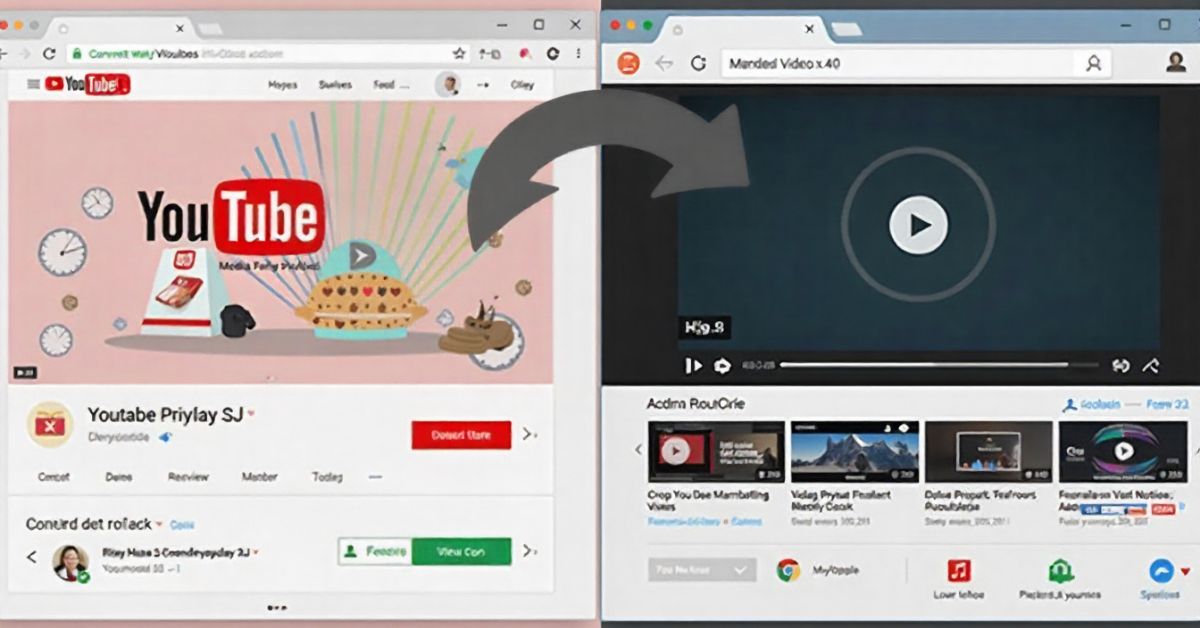
At a high level, YouTube to WAV conversion involves several steps:
- Input the video URL into a compatible tool.
- The tool extracts the audio stream from the video (usually in MP4 format).
- The extracted audio is transcribed into WAV format using a real-time or fast-conversion algorithm.
- Download and store the file on your device.
Note: A reliable converter ensures that the WAV file is not just renamed but truly uncompressed and high-quality.
Best Tool to Convert YouTube to WAV (2025 Edition)
With hundreds of online converters available, only a few meet the quality, speed, and safety standards required in 2025. One standout option is ProWAVConverter.com.
What Makes ProWAVConverter the Preferred Choice?
- ✅ No compression or data loss during conversion
- ✅ Completely browser-based; no software installation
- ✅ Malware-free, secure, and user-focused design
- ✅ Mobile and desktop compatibility
- ✅ Lightning-fast conversions for both short and long videos
User Testimonial:
“As a sound engineer, I need truly lossless audio. ProWAVConverter is one of the few tools that delivers exactly that without burying you in ads.” — Daniel M., Audio Mixer (2025)
Benefits of Using WAV Files in Audio Projects
Whether you’re mixing music or slicing up sample packs, WAV files offer unparalleled flexibility. Compared to other formats, WAV ensures the exact representation of original sound—no artifacts, no degradation.
WAV Benefits:
- Bit-perfect accuracy
- Compatible with major DAWs (Ableton, FL Studio, Logic Pro)
- Suitable for Dolby Atmos and surround sound formats
- Supports looping without timing issues
When quality matters, WAV is worth the storage space it requires.
Audio Quality: What Makes WAV the Gold Standard?
The real driver behind YouTube to WAV conversions is quality. Let’s break down what makes WAV a purist’s dream.
| Audio Parameter | WAV | Lossy Formats |
|---|---|---|
| Bit Depth | 16, 24, or 32-bit | Usually 16-bit |
| Sample Rate | 44.1 kHz or higher | 44.1 kHz (Max) |
| Channel Support | Mono, Stereo, Surround | Mono/Stereo mostly |
| Frequency Response | Full range (20 Hz – 20 kHz+) | Limited |
When mastering tracks, a WAV file enables detailed EQ, pitch correction, and layering with near-perfect resolution.
Common Mistakes to Avoid During Conversion
Users often face reduced quality or unsupported files due to these common issues:
- ❌ Using unreliable tools that compress audio during “conversion”
- ❌ Converting copyrighted videos without permission
- ❌ Ignoring file size, which can affect storage or upload limits
- ❌ Selecting tools that convert only to MP3 or M4A
Pro Tip: Always preview your converted WAV to check for clipping, silence gaps, or distortion.
Fast Conversion Tips for Bulk WAV Extraction
Want to convert multiple videos without wasting hours? Use these expert suggestions:
- Use a bulk-conversion tool like ProWAVConverter.com that supports playlists.
- Prepare a list of URLs in advance.
- Use a wired connection during downloads for faster speed.
- Schedule conversions during off-peak hours.
- Organize output files into folders by creator or project.
These tricks not only speed up your conversion process but also help manage large archives effectively.
Why ProWAVConverter.com is a Game Changer
Out of all the technical tools emerging in 2025 for content creators, ProWAVConverter.com stands at the crossroads of reliability and usability. From hobby musicians to professional editors, the platform is solving a longstanding pain point—accessing clean, editable audio from the world’s largest video platform.
Key Features:
- Free to use for most standard-length videos
- Cloud-based conversion—no strain on your device
- Ad-free, distraction-free interface for quick work
Whether you’re extracting soundtrack stems or capturing a rare spoken word piece, the tool brings precision and performance together seamlessly.
Try it today: https://prowavconverter.com
FAQs
Is converting YouTube videos to WAV legal?
Only for personal use or when the content is copyright-free or creator-approved.
Does WAV sound better than MP3?
Yes, WAV is uncompressed and provides better sound quality for editing or playback.
Can I use ProWAVConverter on mobile?
Yes, it works across mobile browsers and tablets without installation.
What bitrate does WAV support?
Typical WAV files run at 1,411 kbps or higher depending on bit depth/sample rate.
Will WAV files take up more space?
Absolutely—they’re larger in size but offer higher fidelity.
Conclusion
In today’s audio-first world, compromising on quality is no longer an option. Converting YouTube to WAV empowers you to access rich, clear, and editable soundtracks perfect for any creative or technical application. With a dependable platform like ProWAVConverter.com, you don’t just get a file—you get studio-grade audio, in seconds, securely and for free.
Ready to convert your first track? Try ProWAVConverter now and experience the difference loud and clear.